
May 8, 2026 · ReelMap Team
Turn your Instagram Reels saves into a real trip plan
Your Reels collection has the best restaurants in the city. It just isn't a plan yet. Here's how to turn a saved-Reels folder into a day-by-day itinerary you can actually follow.
Last updated: May 15, 2026
Most travel planning advice still assumes you start with a guidebook or a "things to do in [city]" article. Anyone under 35 doesn't. The trip is half-planned before you book the flight, scattered across a Reels collection labeled "Tokyo" or "lisbon ideas."
The problem is everyone stops there. A folder of 60 Reels is not an itinerary. It's a research pile. Here's how to close the gap.
Why Reels are a good starting point — and a bad finish line
Reels are visual, recent, and unfiltered by SEO. The hidden taqueria in Mexico City that ranks nowhere on Google has 800k views on a creator's Reel. That's where the discovery edge comes from.
But Reels were designed for scroll-time, not retrieval. Three things break down when you try to plan from them:
- No place metadata. A Reel may show a restaurant for 6 seconds with no caption, no tag, no name. You remember the dish, not the address.
- No geography. You can't see at a glance which 8 of your 60 saves are in the same neighborhood.
- No time dimension. A Reel doesn't tell you whether it's a lunch place, a 3-hour reservation experience, or a coffee stop.
Until you fix these three, your saves are inspiration, not a plan.
A workflow that actually closes the loop
Step 1 — Decide what kind of trip this is
Before you even open Instagram, label the trip. "Food-led weekend." "Architecture and walking." "Beach with two nice dinners." Most people skip this and end up trying to do everything they ever saved, which produces an exhausting trip.
This label becomes a filter. When you go through your saves, you're not asking "is this cool?" — everything is cool, that's why you saved it. You're asking "does this fit this trip?"
Step 2 — Extract place names from each Reel
This is the painful step. For each Reel:
- Watch with sound on (a lot of Reel context is in voiceovers, not visuals).
- Note the place name, neighborhood if you can catch it, and what the creator was doing there (eating, drinking, walking, photographing).
- Skip anything you can't identify. Vibes-only Reels are unrecoverable — you'll lose more time guessing than the place is worth.
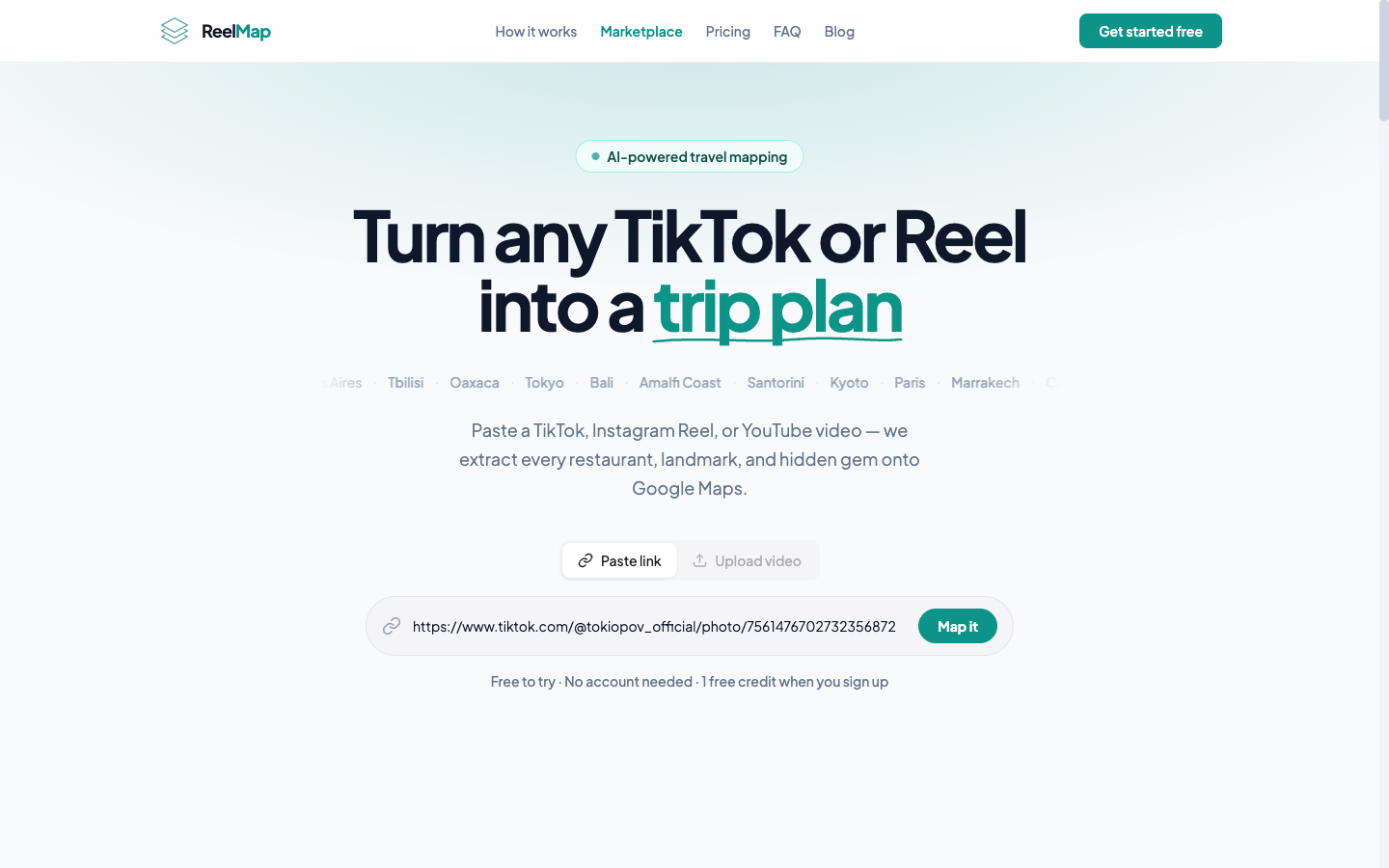
If you have 30+ Reels, this is where most people quit. A faster path: paste the Reel URLs into ReelMap, which extracts the locations automatically and drops them on a map. The "what's in the video" step becomes 30 seconds instead of an evening.
Step 3 — Cluster by geography
Once you have a list of place names, put them on a single map. Google Maps has custom lists; or if you used ReelMap, the map is the output.
Now zoom out. You'll see 3–6 visual clusters — neighborhoods where 4 or 5 of your saved spots sit within walking distance. Each cluster becomes a half-day.
This is the move that turns a saves folder into an itinerary. You stop thinking "30 places to visit" and start thinking "five afternoons, each anchored on a neighborhood."
Step 4 — Anchor each day on 2 must-do places
Per cluster, pick the 2 places you'd be most disappointed to miss. Those are your anchors. The rest become "if we have time" — which means you'll naturally hit some of them and let the others go.
Trips fail when every place is mandatory. Trips work when the anchors are mandatory and the rest are optional.
Step 5 — Build in unstructured time
The last move: leave at least one half-day per 3-day stretch with nothing planned. This is when the trip actually happens — when a creator's restaurant is closed, when you stumble onto something better, when you find your own spot. The best stories are never on a Reel.
What about Reels you can't identify?
Some saves are unrecoverable. The creator didn't name the place, didn't tag the location, the audio was music only, and the visuals are interchangeable beach.
Three options:
- Comment on the Reel asking where it is. Creators answer surprisingly often, especially smaller ones.
- Reverse image search a screenshot of the most distinctive frame (a sign, a dish, a unique architectural detail). Google Lens is good at this.
- Let it go. A Reel you can't identify after 5 minutes of effort is costing you more time than the place is worth.
The shape of a good Reels-driven trip
Aim for these proportions:
- 40% anchors — the must-do places from your Reels.
- 40% wandering — eat, walk, drink coffee, watch the city.
- 20% surprises — places you didn't know about until you got there.
If you fill 100% with Reels, you've essentially watched the trip on Instagram and then physically gone to confirm it. That's not a trip; it's a re-enactment.
TL;DR
- Reels are great discovery, bad planning.
- Label the trip, extract place names, cluster on a map, anchor each day on 2 must-do places, leave space for surprises.
- The slow step (extracting place names) is the one to automate. The fast steps (clustering, anchoring, pruning) are the ones to do yourself.
Got a saved-Reels folder you've never converted into a plan? Drop the URLs into ReelMap and see your trip on a map in about 30 seconds. Then do the human work — pick the anchors, leave the gaps.