
May 8, 2026 · ReelMap Team
Turn any TikTok into a Google Maps list in 30 seconds
How ReelMap extracts every restaurant, landmark, and hidden gem from a travel video — and why it beats screenshotting.
Last updated: May 15, 2026
If you've ever caught yourself screenshotting a TikTok of a Bangkok night market or a Lisbon café crawl with the vague intention of "remembering this for later," you already know the failure mode. The screenshots pile up in your camera roll. The trip happens. You eat at a Pret.
ReelMap fixes the gap between seeing a place in a video and actually getting there. Here's exactly what the flow looks like.
Step 1 — paste the URL
Go to reelmap.io and drop the TikTok, Instagram Reel, or YouTube URL into the input field. No account required for your first analysis.
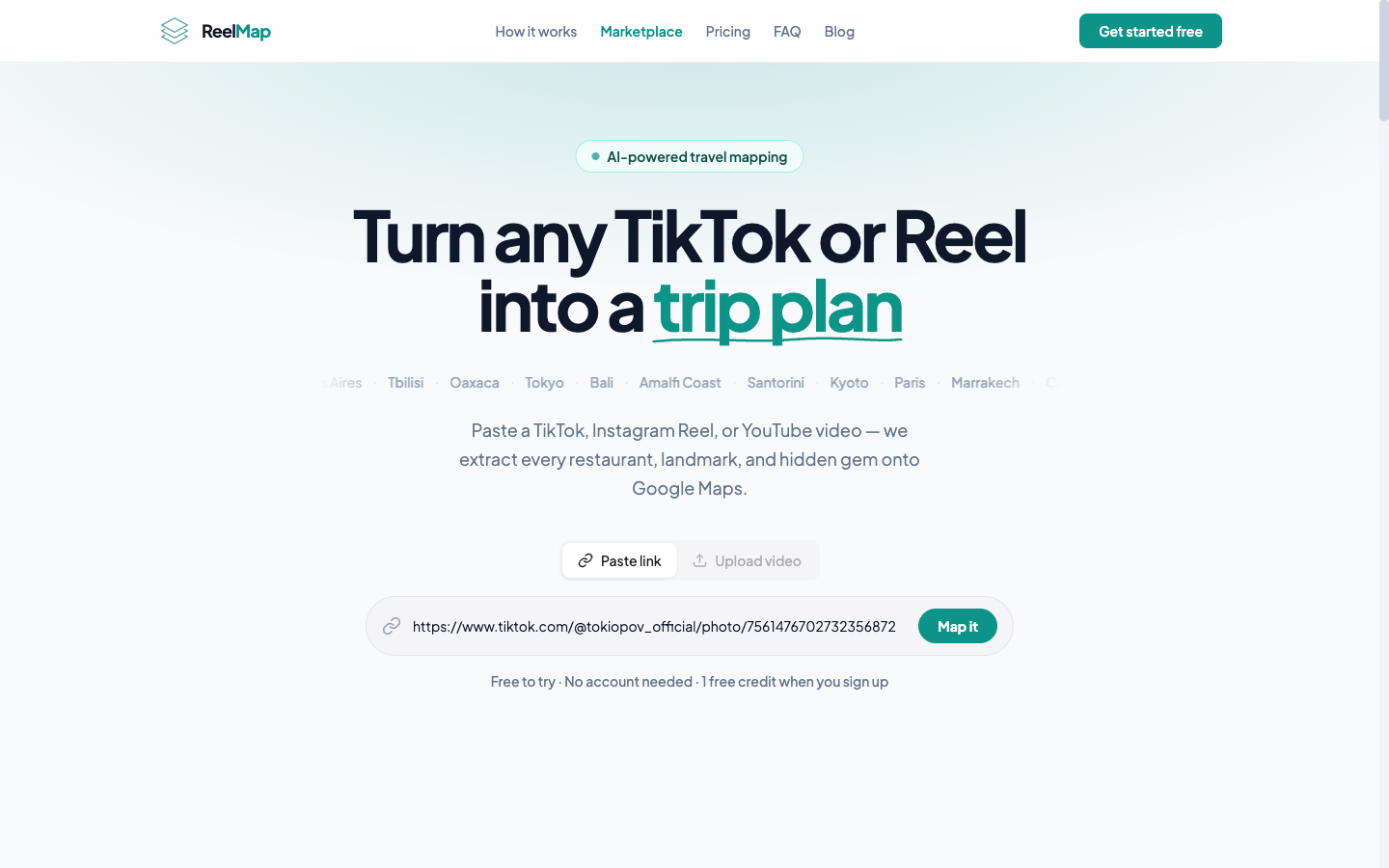
Hit Analyze. ReelMap pulls the video, runs it through Gemini with Google Maps grounding turned on, and extracts every place the creator mentions, shows, or names — verified against real Google Maps coordinates, not hallucinated addresses.
Step 2 — your map is ready
About 30 seconds later you get an interactive map and a list view with every location pinned and annotated.
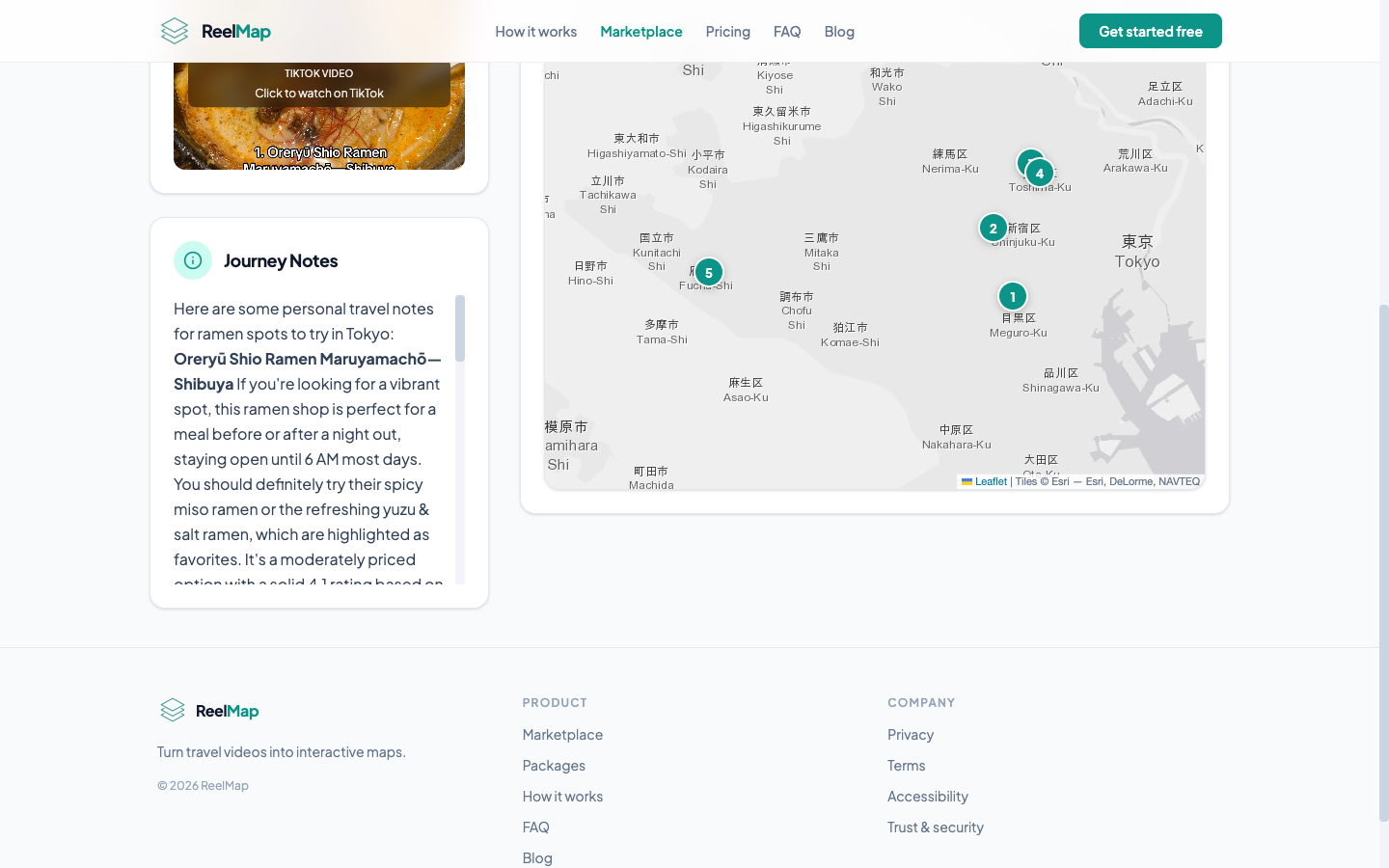
The map fits all locations in view automatically. Switch to list view to browse and sort. Save the analysis to your account to access it from your phone when you're actually on the trip.
Step 3 — tap any location for the full card
Every pin expands to a location card with the place name, address, Google rating, photo, the line from the video that flagged it, and a one-tap link to open it in Google Maps.
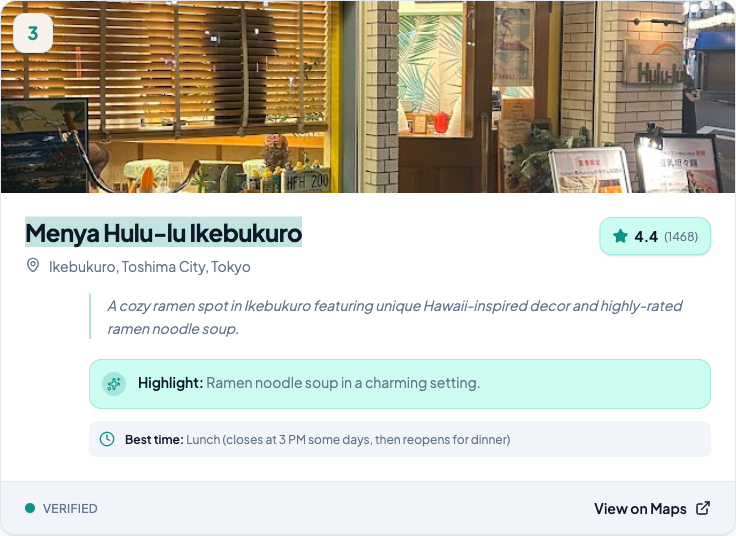
That's the actual artifact you wanted — not a blurry screenshot, but a navigable record of every place in the video.
Why this beats screenshotting
Screenshots are lossy. You lose the place name (or it was never on screen), you lose context about why it was featured, and you definitely lose the ability to navigate there. A pinned map with verified coordinates and Google Maps links is what you needed all along.
Try it
Paste any travel video and see for yourself. First analysis is free, no account required.
Related reading:
- How to save TikTok travel spots — what to do with your saved videos once you have them.
- How to find a restaurant from a TikTok — when the creator didn't name the place.
- Your first travel map is free — exactly what you get with the free analysis, no strings attached.